Detection
Every point, already cut.
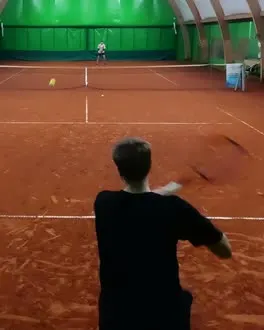
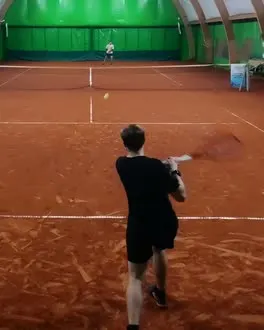
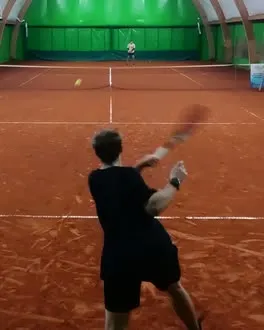
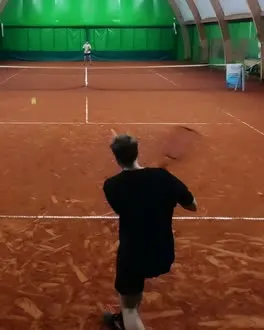
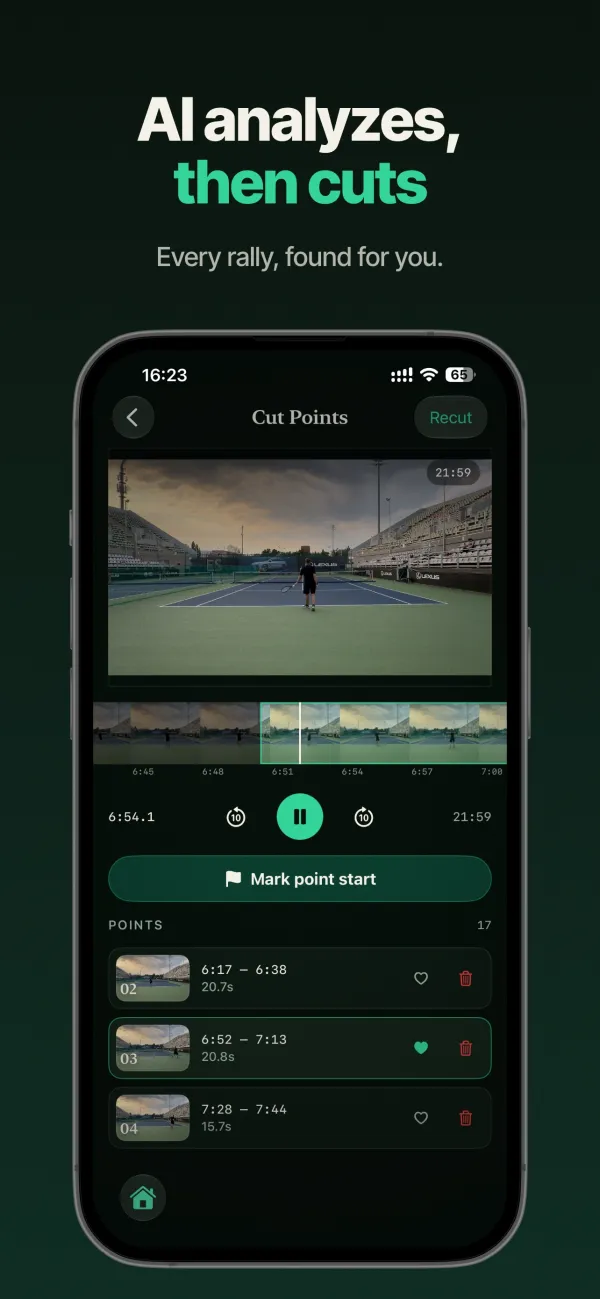
Detection watches the ball and the movement on court and proposes a cut for each point. It runs on the phone the moment a video lands — no queue, no waiting on a server, no progress bar that fails at 40%.
The editor
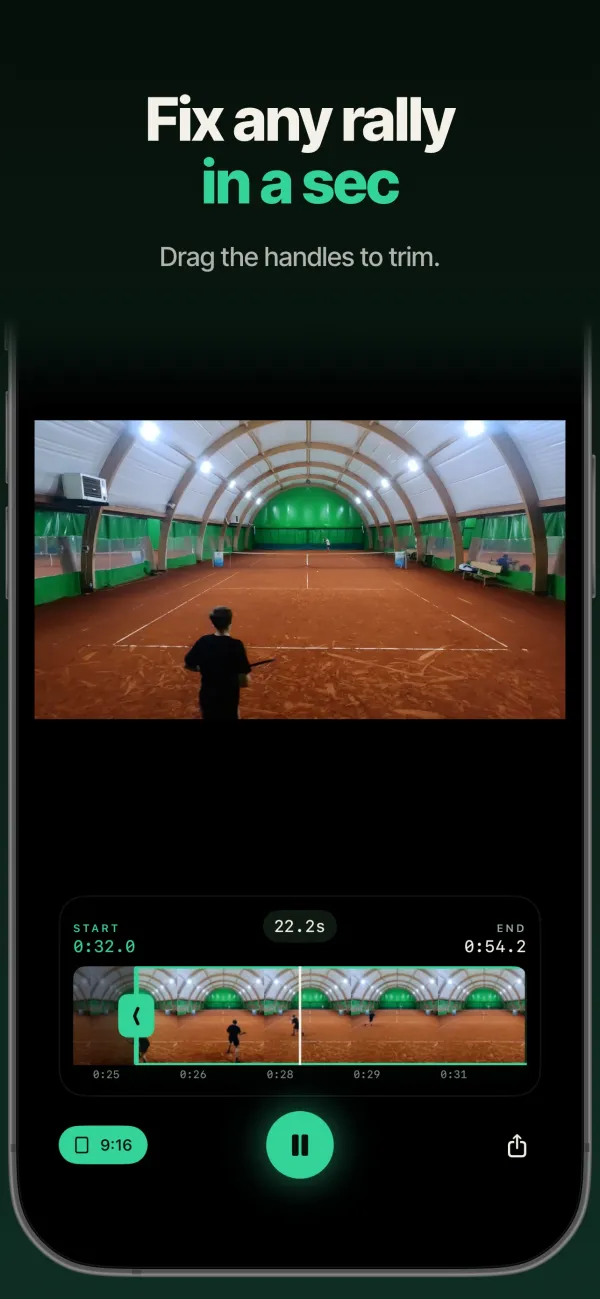
A bad cut takes one drag to fix.
Detection is not perfect, and pretending otherwise is how apps in this category earn one-star reviews. So the fix is one gesture: drag the trim handles, mark a point the detector missed, delete one it invented. Everything is undoable, and none of it touches the file — points are stored as time ranges over your original video.
Your library
Your matches stay on your phone.
Every session you record or import, grouped by day, with the points it produced. No account to make, no cloud to sync with, and no tier that hides last month's match behind an upgrade screen.
Sharing
Vertical clips that follow the ball.
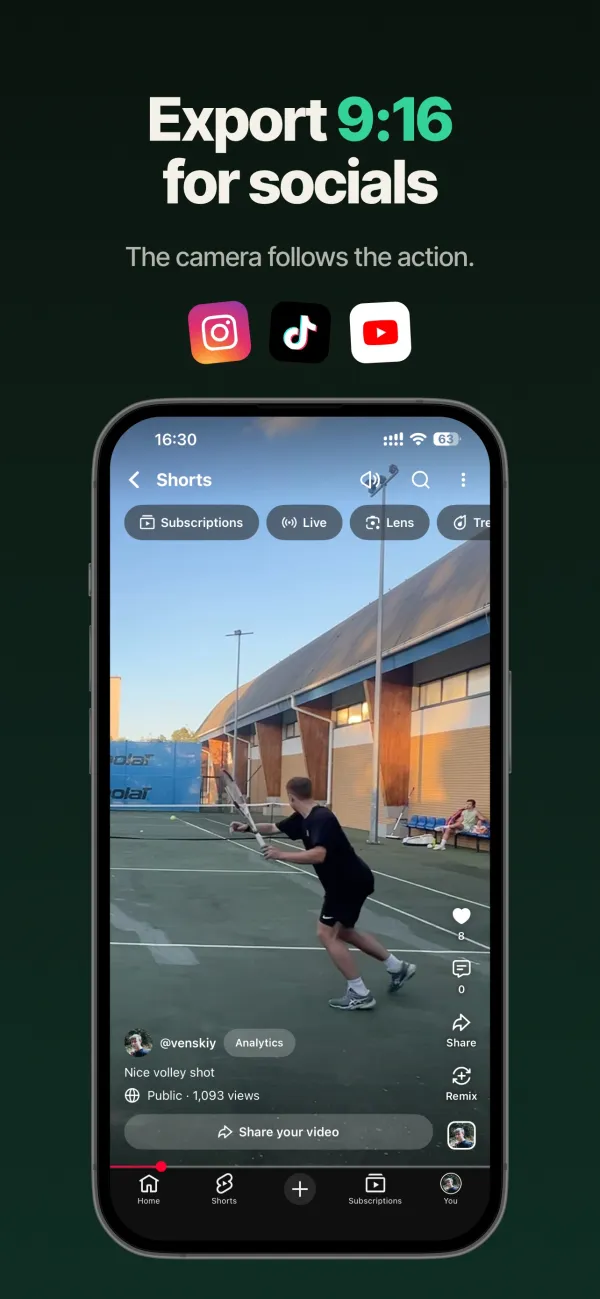
Export any point as a 9:16 clip with the frame tracking the action, so a wide court video becomes a Reel or a Short without you reframing it by hand.
Favourites
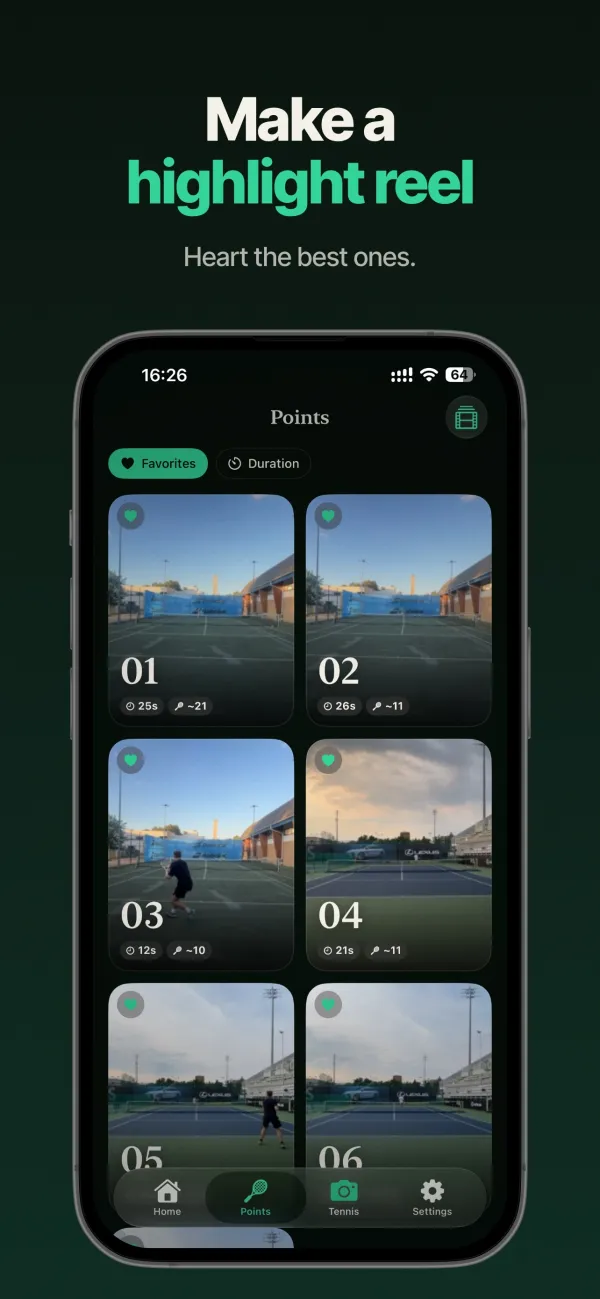
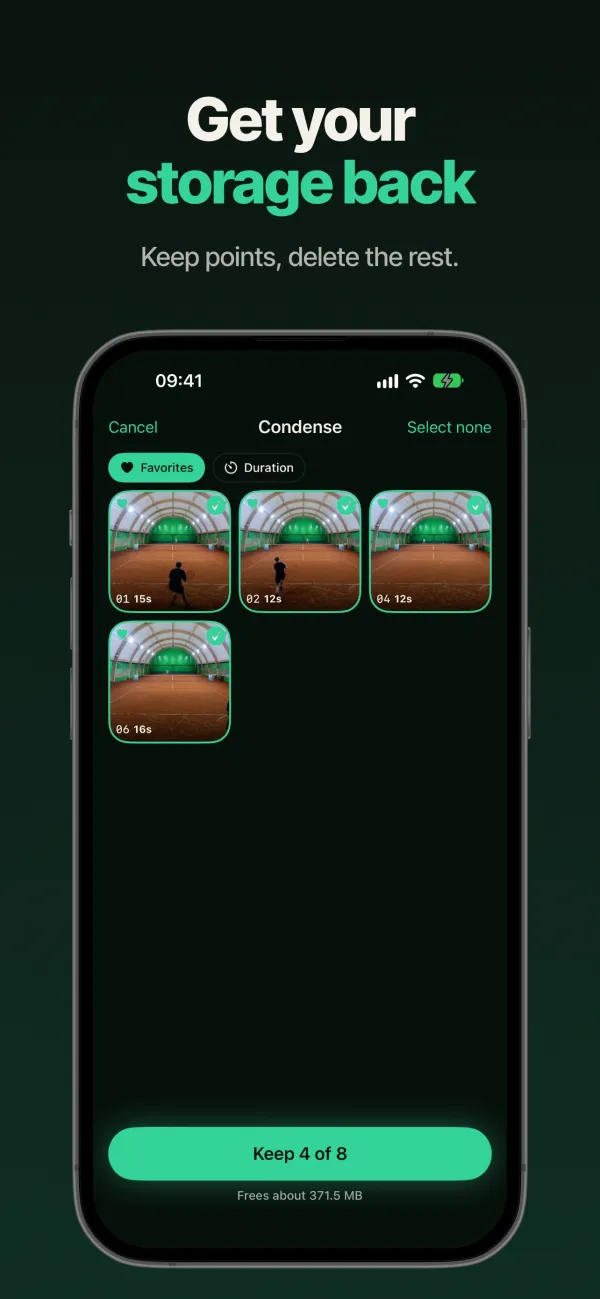
Heart the good ones. Get a reel.
Favourite a point as you swipe through, filter to just those, and stitch them into one highlight video — across every match you have, not just the last one.
Why PointCut?
$0
Free, and not the trial kind
No subscription, no clip meter, no watermark, and no ads playing over your own tennis.
0
Uploads, ever
Detection is a local pass. Nothing leaves the phone, so nothing can stall in a queue or be kept to train a model.
1
Thing to set up: a tripod
No swing sensor, no watch pairing, no court calibration. A phone on a stand, pointed at the court.
Frequently asked questions
How do I cut a tennis match video into individual points?
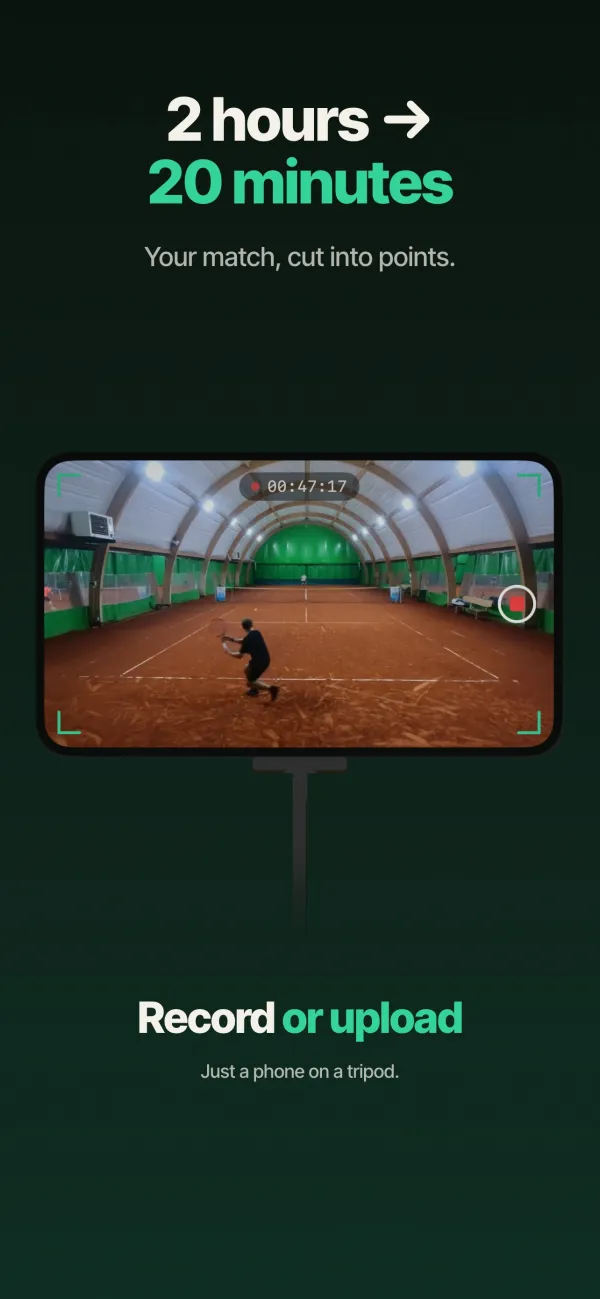
Record the match with your iPhone on a tripod, or import a video you already shot. PointCut analyses it on the device and proposes a cut for every point, so you get the rallies without the walking, the towel and the ball retrieval.
Does PointCut upload my video anywhere?
No. Detection is a local pass using Apple's on-device vision frameworks. There is no server, no account and no upload queue — so there is nothing to get stuck, and nothing that can be retained or used to train a model.
What happens if a point gets cut in the wrong place?
You drag the trim handles. Missed a point entirely? Mark it by hand on the timeline. Everything is undoable, and the cuts are stored as time ranges — your original video file is never modified.
Do I need a special camera, sensor or court setup?
No. An iPhone on any tripod, pointed at the court from a fixed position. No swing stick, no Apple Watch pairing, no court calibration step.
Is PointCut free?
Yes — free, with no subscription, no clip meter, no watermark and no ads on your own footage.
Can I share a point to Instagram, TikTok or YouTube Shorts?
Yes. Any point exports as a vertical 9:16 clip with the frame tracking the action, so a horizontal court video becomes a usable Reel or Short without reframing it by hand.
Does PointCut work for pickleball or padel?
It's built and tuned for tennis from a fixed camera. Other racket sports haven't been validated yet, so treat them as unsupported for now rather than as a feature.
Want it on your phone?
PointCut is finishing up for the App Store. Send an email and I'll tell you the day it's out.